
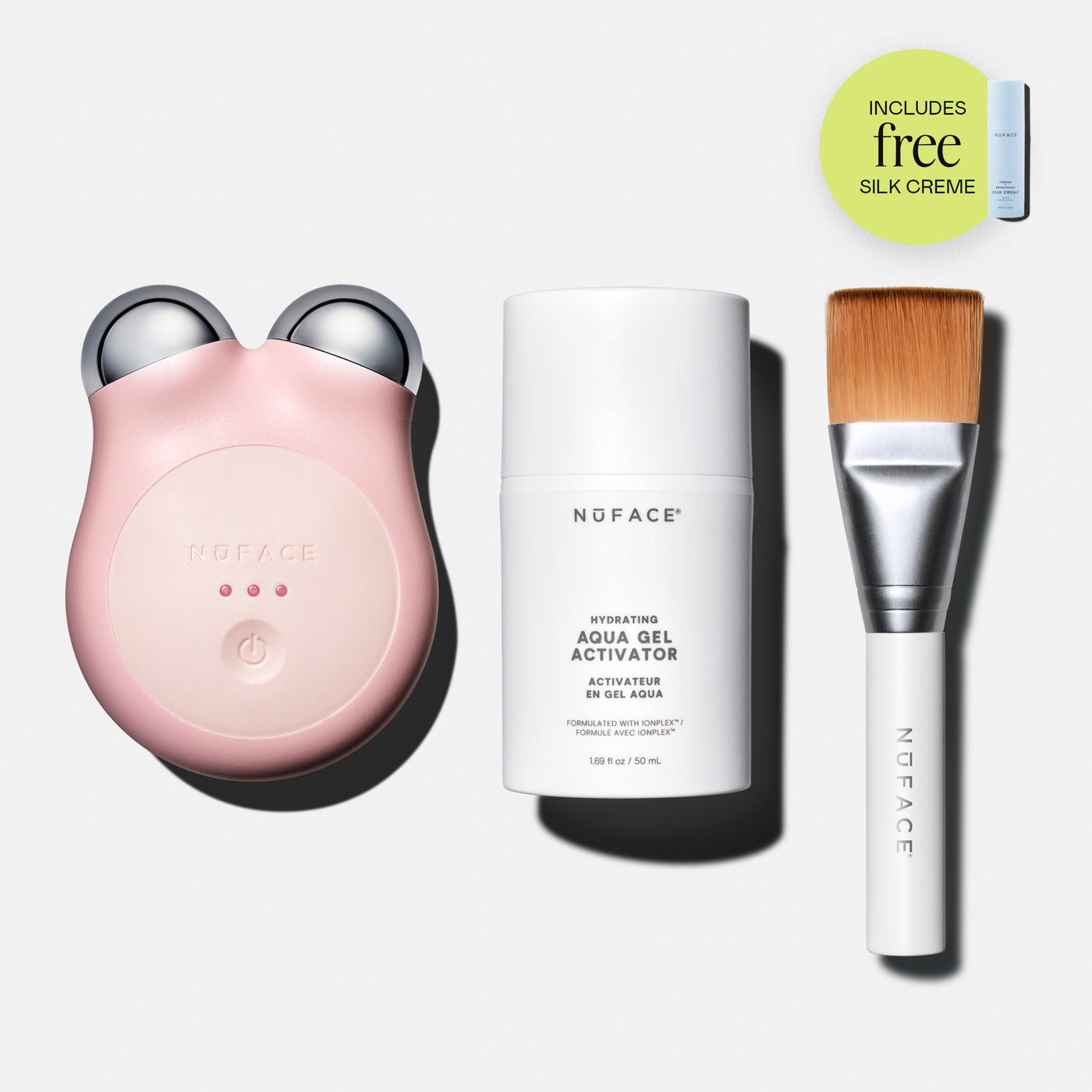
Getting started
First 5 minutes
Set up, charge, and run your first pass with the routine card or the NUFACE app.
Help center
Everything you need to get the most from your ritual on the official NUFACE website, from your first pass to ongoing care.
Most questions are about the first week of use. If yours isn't below, the contact page has the right inbox for every request.
Getting started
Set up, charge, and run your first pass with the routine card or the NUFACE app.
Routine
Daily for the first 60 days, then maintain with three to four sessions a week.
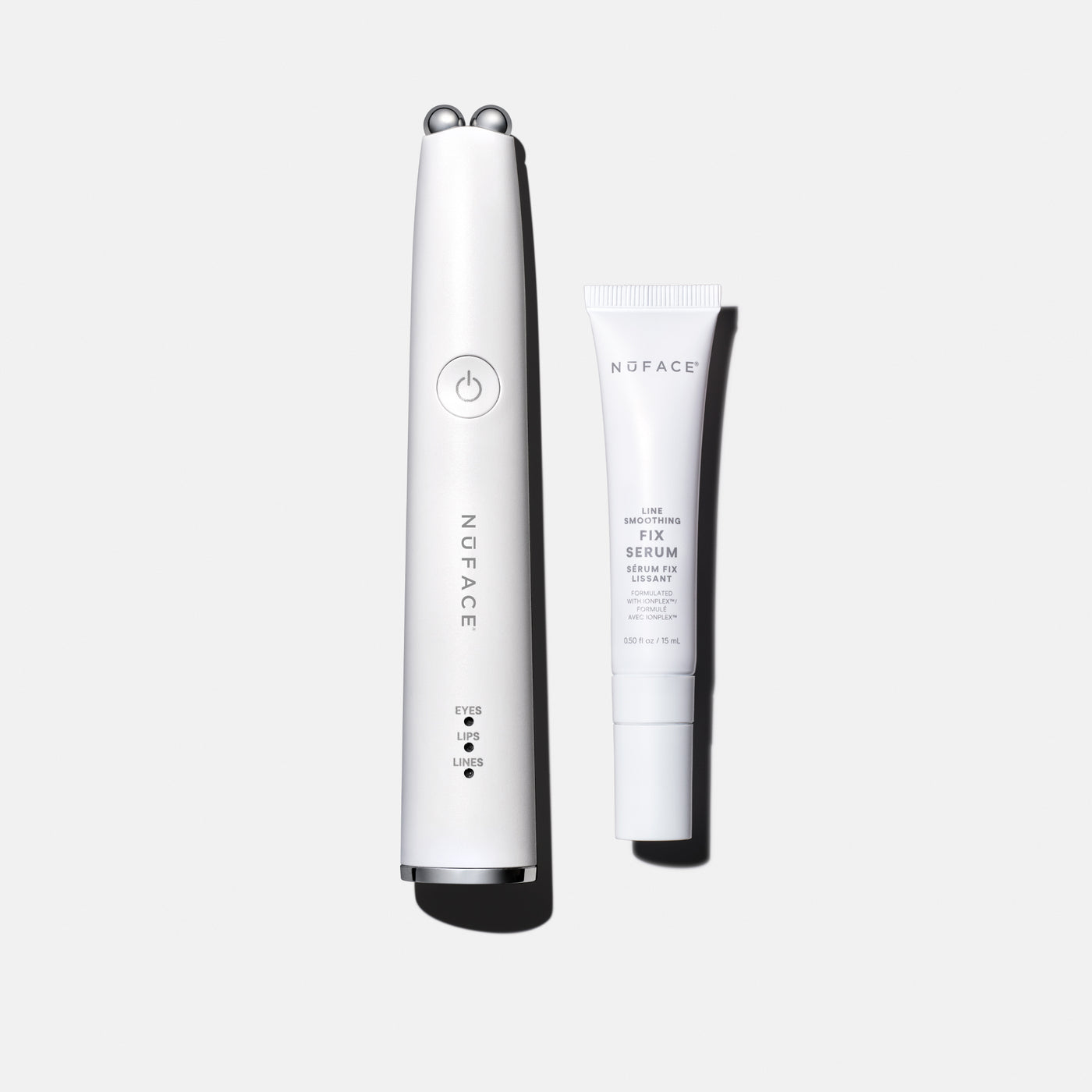
Troubleshooting
Charging, conductivity, cleaning, and when to replace your activator.
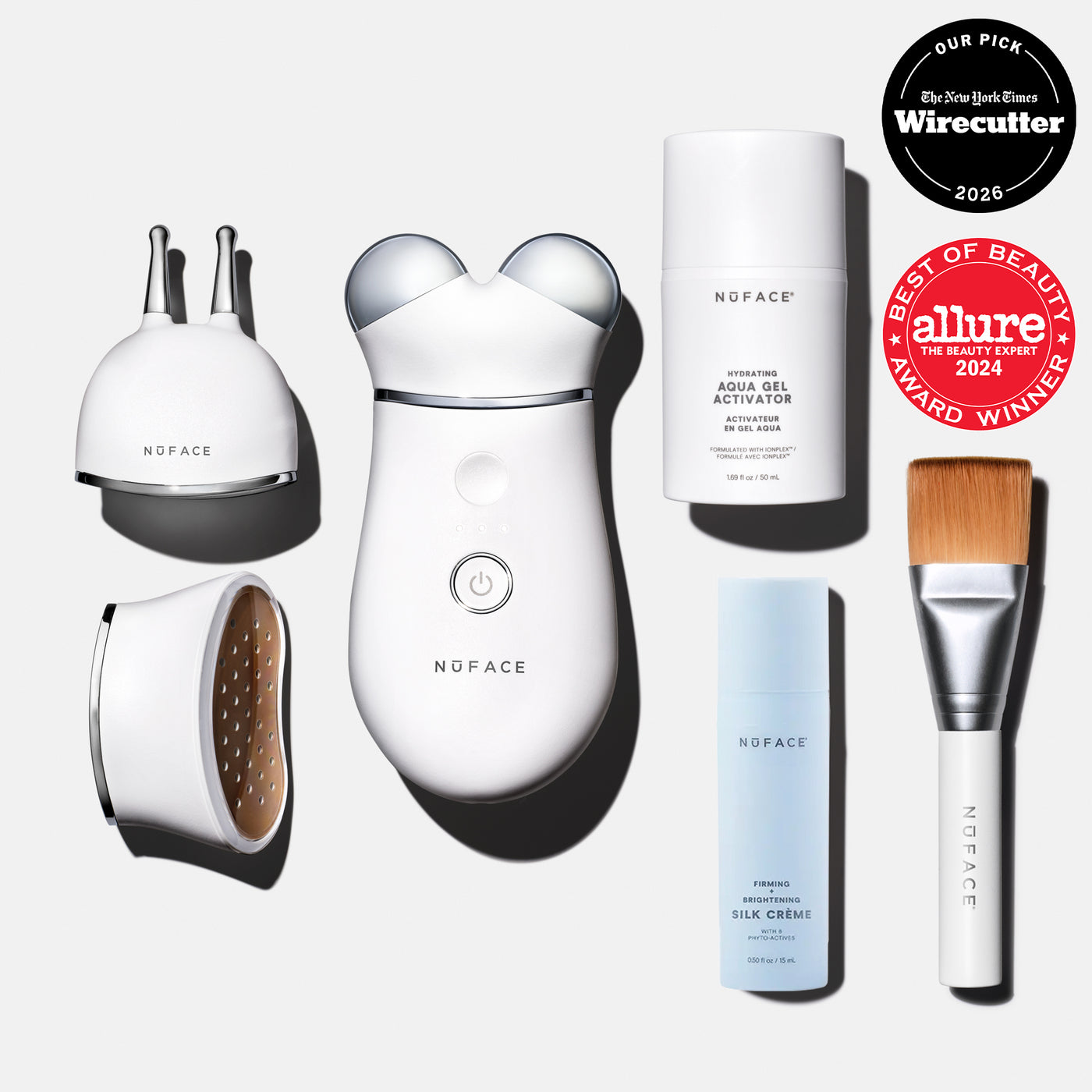
Order help
Track an order, understand shipping windows, or start a return and warranty claim.
Cleanse, apply a conductive gel, and run a guided pass using the NUFACE app or the printed routine card in your box. Most people begin with the cheeks and jaw, then move to the brow.
Press and hold the power button on the back of the device until the indicator lights up. Press again to cycle through intensity levels on Trinity+ and MINI+. Always apply a conductive gel first, since the device will not transmit current on dry skin.
Confirm the charging base is seated and the indicator light is on. If it still won't charge, contact support below with your order number and we'll help.
Hold the power button for about 10 seconds until the lights flash and the device powers off, then turn it back on. This clears most minor glitches. If a reset does not help, reach our team through the contact page with your order number.
Microcurrent is subtle by design. As long as the gel is conductive and the spheres stay in contact with skin, the current is flowing even if you don't feel much. Add a little more gel if the skin dries out mid-pass, since a dry layer breaks the circuit.
Yes. MINI+ and FIX are built for travel. Carry them on, not checked, and use a travel adapter if needed. Trinity+ and NUBODY are larger but still portable.
Wipe the spheres and body with a soft, damp cloth after each use. Do not submerge the device or use alcohol-based wipes on the treatment surfaces.
If your device is past the warranty window, contact support with the model and a short description of the issue. We will advise on service options, and in some cases a repair or replacement is still possible.
Refreshed units are inspected, restored devices offered at a lower price when available. They carry the same limited warranty as new units. Check the shop for current refreshed stock before buying.
The NUFACE app pairs with Trinity+ and MINI+ to guide routines and track sessions. FIX and NUBODY run on their own guided cards. The app is optional, the printed routine card in every box works on its own.
Conductive gels, boosters, and attachments are available through our shop. Visit the NUFACE shop to check price and availability.
Yes. We support the Trinity, MINI, FIX, and NUBODY lines, including earlier models. For parts, adapters, or service on an older device, contact support with the model name and we will advise what is available.